


Executive assistants are entering a new era where being tech-savvy is no longer a preference. It’s a must.
According to the 2025 Workplace Learning report by LinkedIn, 4 out of 5 people say they want to learn more about how to use AI in their work — but only 26% of organizations say they’re actively teaching their employees to use AI tools.
Even Forbes is talking about how AI implementation fundamentally alters workflows, job roles, and business models. From improving email and calendar management to creating content ideas for blogs and social media, nearly every industry is utilizing AI as a tool to increase productivity and efficiency.
With all of the information available for using AI, how are executive assistants wanting to upskill supposed to find great training in AI? Thankfully, we’ve answered this question so you don’t have to spend your time sorting through endless Google results.
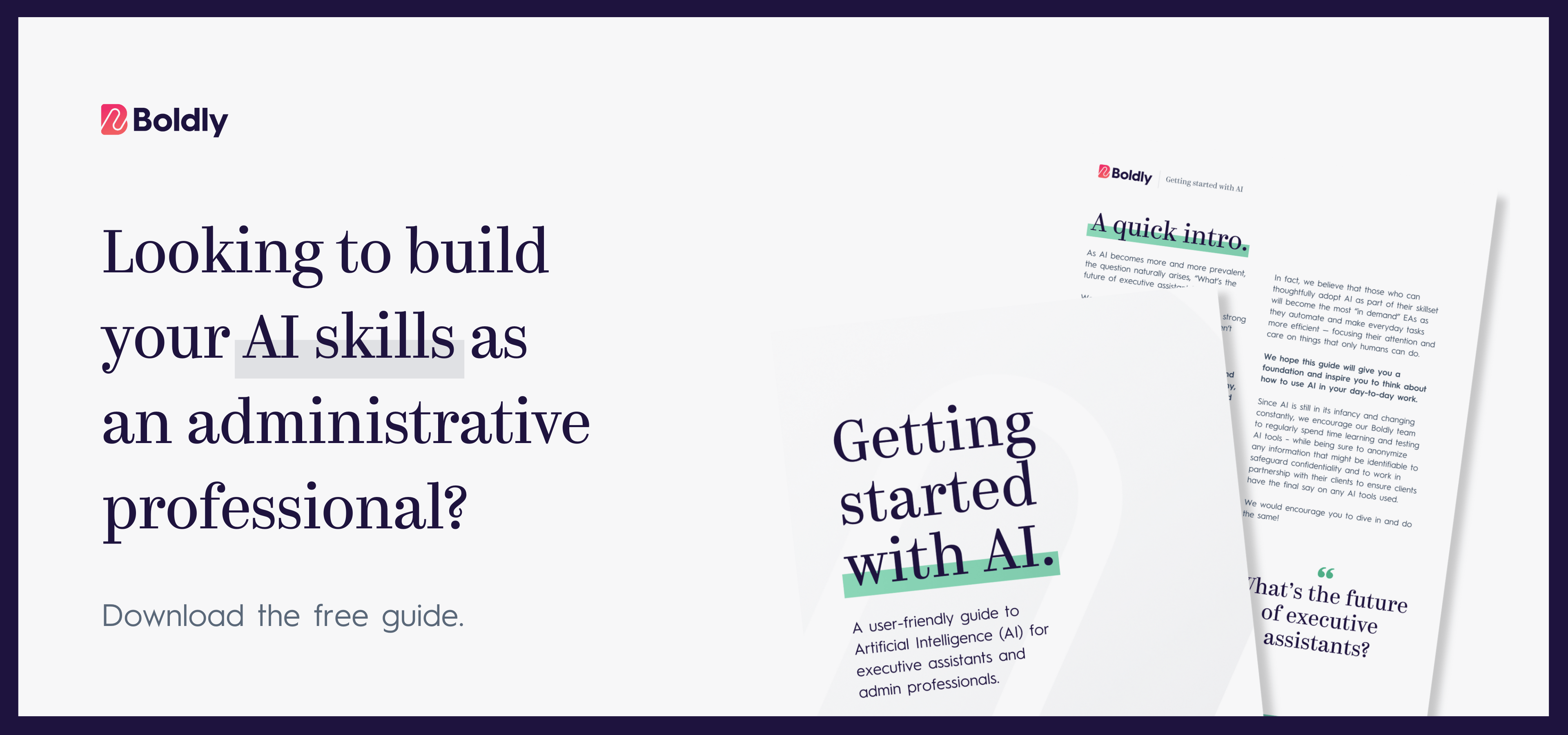
How To Upskill In AI As An Executive Assistant
Executive assistants’ skills have moved firmly into the digital age and AI is the newest piece of that digital skillset. Here’s how to stay ahead of the crowd.
AI Training For Executive Assistants
There are already an overwhelming number of search results for “AI courses for executive assistants” and “AI executive assistant.”
But many of them are generic AI courses not meant specifically for executive assistants. The rest are AI tools for productivity. So here are two resources specifically teaching EAs how to use AI:
- High Impact ChatGPT Prompting For Executive Assistants from The American Society of Administrative Professionals. The two-session course covers the basics of AI, AI prompting, and advanced AI prompting framed around what EAs actually do.
- The Leader Assistant hosted by Jeremy Burrows, offers trainings, webinars, and live events for growth-minded executive assistants, including a growing library of AI-specific resources.
Professional Organizations For Executive Assistants
Numerous industries use professional organizations, and administration is no different. Connecting with other executive assistants gives you the opportunity to learn and develop skills alongside others with similar responsibilities as you.
- Executive Assistants Organization is a professional organization that was founded by a C-suite executive assistant with the goal of building a community. They offer community forums, webinars, and mentorships as part of their membership.
- The American Society of Administrative Professionals is the largest international association for executive assistants and administrative professionals. Their free membership has resources and partner discounts. The paid membership allows for access to their webinar library.
Sites such as LinkedIn or Meetup can help you find local organizations.
Practically Using AI As An EA: Three Places To Start
But three use cases show up consistently across EA communities right now:
- Inbox triage. AI can read through an executive’s inbox, flag what’s urgent, and draft first-pass replies for you to approve before anything is sent. For anyone managing a shared inbox or running point on a high-volume exec mailbox, this is where time savings show up fastest. Separate the “respond now” messages from the “later” pile, draft the reply, get the approval instead of starting from scratch on every email.
- Meeting prep. Before any important call, Claude can pull together attendee context, recent correspondence, open action items, and a few sharp questions to ask packaged into a briefing in under three minutes. Most useful for board meetings, investor calls, and recurring internal meetings where context shifts week to week.
- Calendar protection. Tools like Motion and Reclaim.ai automatically place tasks into open slots, preserve focus blocks, and reschedule lower-priority work when the calendar shifts. If your executive runs on Outlook, Motion tends to be the better fit. Google Calendar users will find Reclaim.ai easier to integrate, and it’s cheaper.
It is a best practice to explore the tools and get to know their features before shifting over to using them. This is one area where practice makes perfect.
ChatGPT & Claude For Executive Assistants
If you are looking for a place to start with AI, ChatGPT or Claude are great options. There are numerous ways to incorporate AI tools into your day-to-day, but the most common use is to boost productivity. The downfall is that your AI-generated results are only as good as the information you enter to start. If you want to improve these results, try using prompts.
The bottom line is that using AI is now an intrinsic part of the executive assistant skillset. The question is, how are you going to keep up?